Animated mockups and mockup videos
Still mockups get scrolled past. A short moving mockup stops the thumb, and it takes one click here.
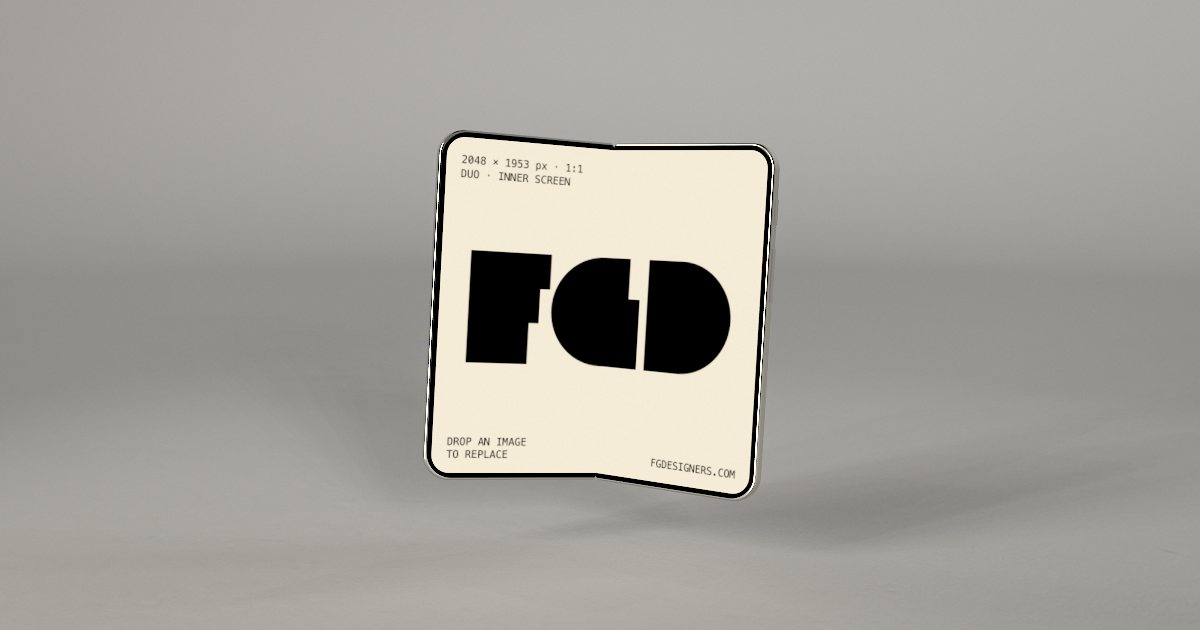
Foldable iPhone mockup, soft studio scene
A foldable phone that opens on camera.
Open this mockup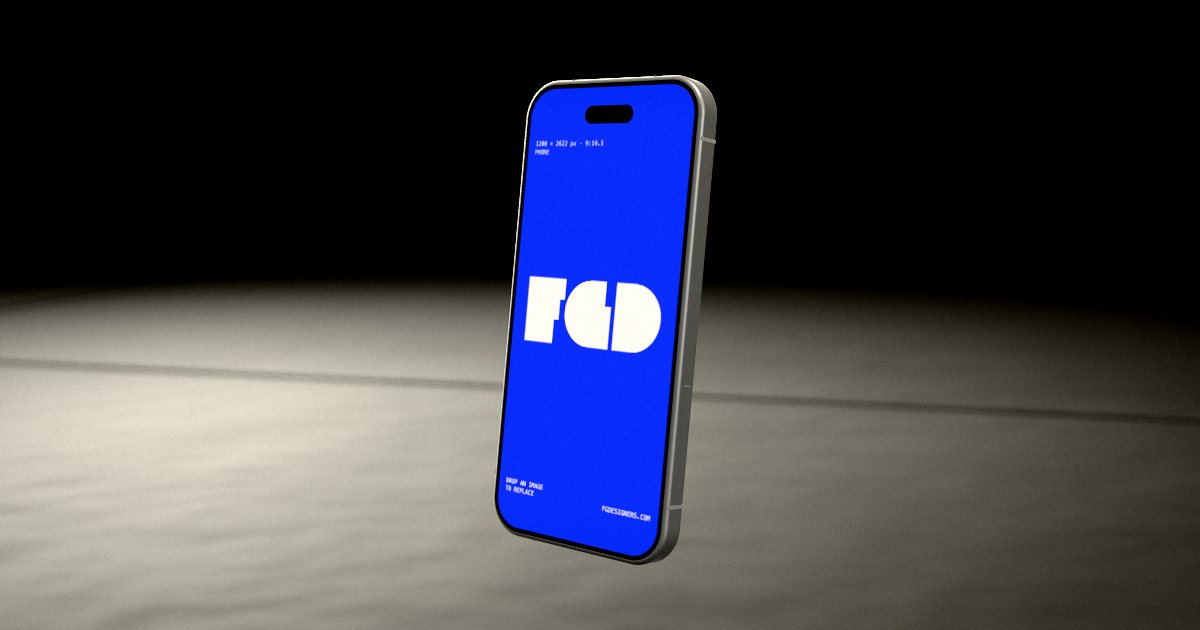
IPhone mockup, black scene
A phone that spins on a dark floor, lit like a launch.
Open this mockup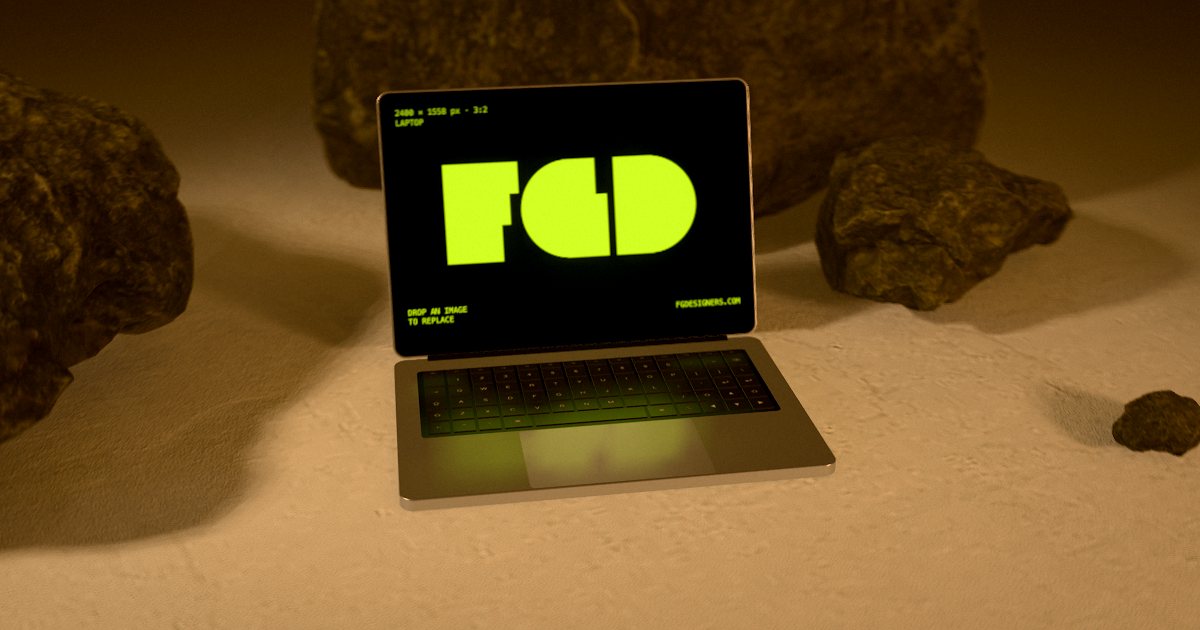
Laptop mockup, stones scene
A laptop on mossy stones, its lid opening.
Open this mockup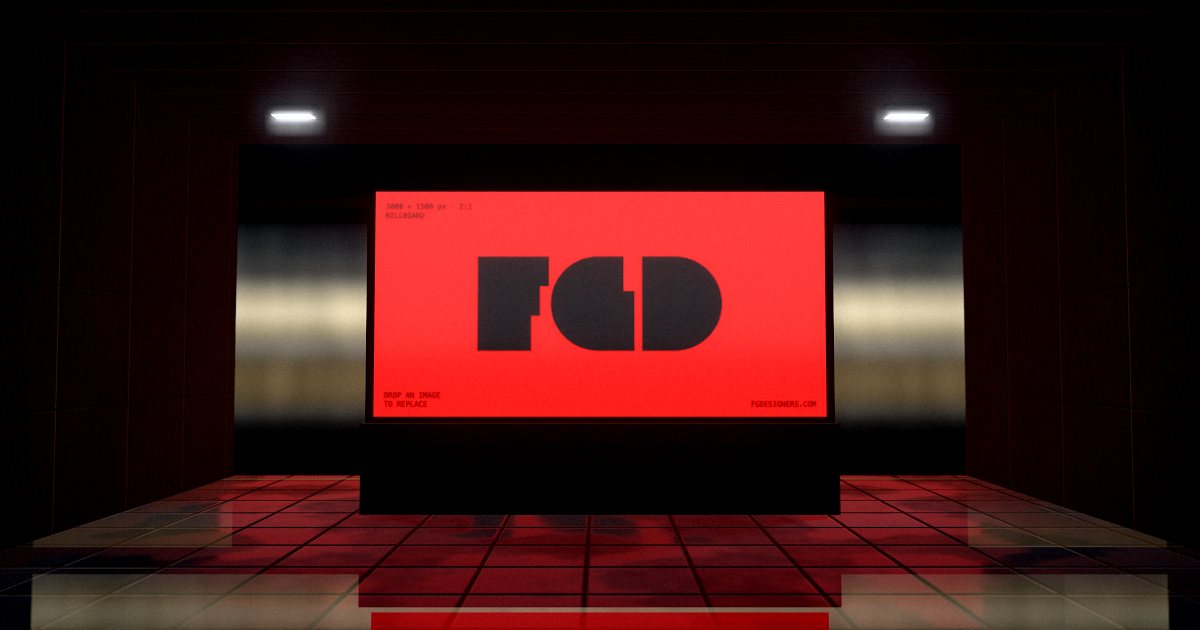
Billboard mockup, metro scene
A billboard in a metro station while a train rushes past.
Open this mockup
How it works
- Open a mockup and drop in your image (PNG, JPG or WebP).
- Drag to turn it, pick a scene, change the light.
- Press Animate for a moving version.
- Export a free 1080 px image, or a 4K image or MP4 video for $3.
Questions
- How long is the video?
- You choose the length before exporting; the editor records it in your browser as an MP4.
- Is the animation preview free?
- Yes. Editing and previewing are free; only the exported video costs $3.
More: App mockups · Website mockups · Logo mockups · Font & typography mockups · Free alternative · All mockups