App mockup generator
Drop in an app screen and it sits on a real 3D phone in seconds. No Photoshop, no smart objects, no sign-up.
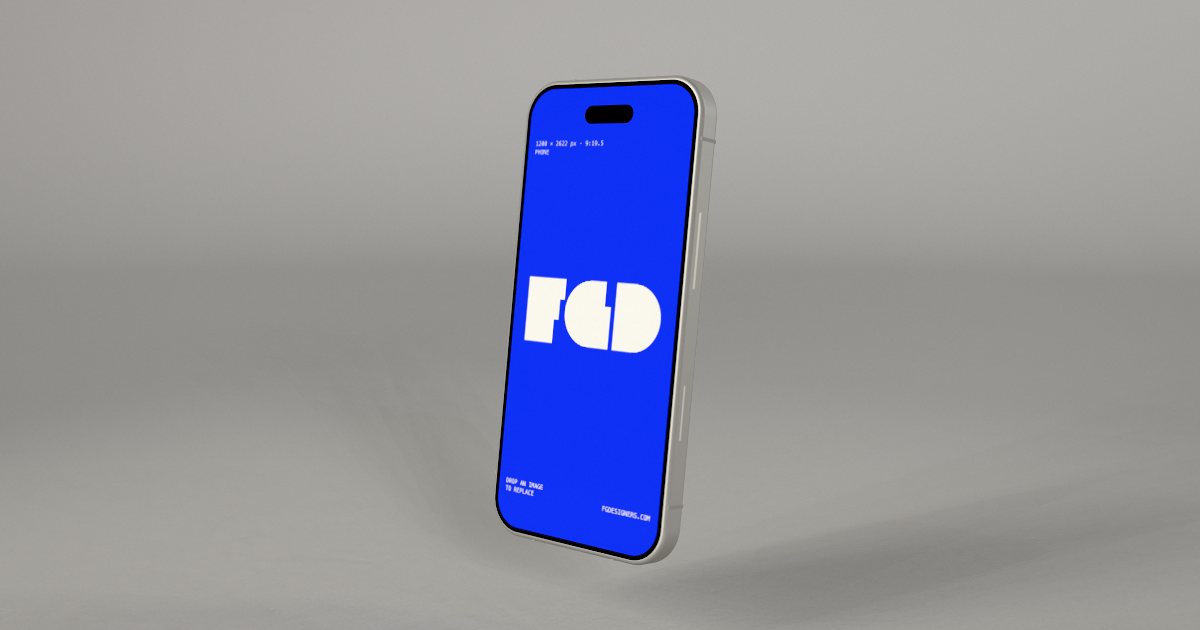
IPhone mockup, soft studio scene
An iPhone 18 Pro style phone in a soft white studio: the clean, classic app shot.
Open this mockup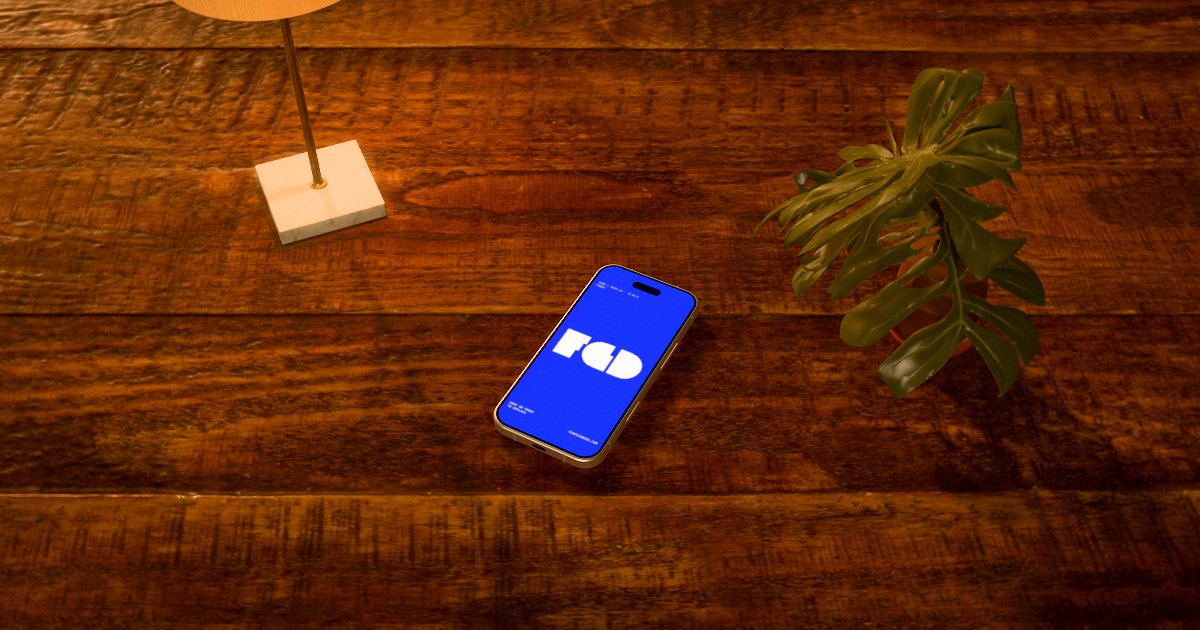
IPhone mockup, desk scene
The same phone on a wooden desk in warm evening light, for a lifestyle feel.
Open this mockup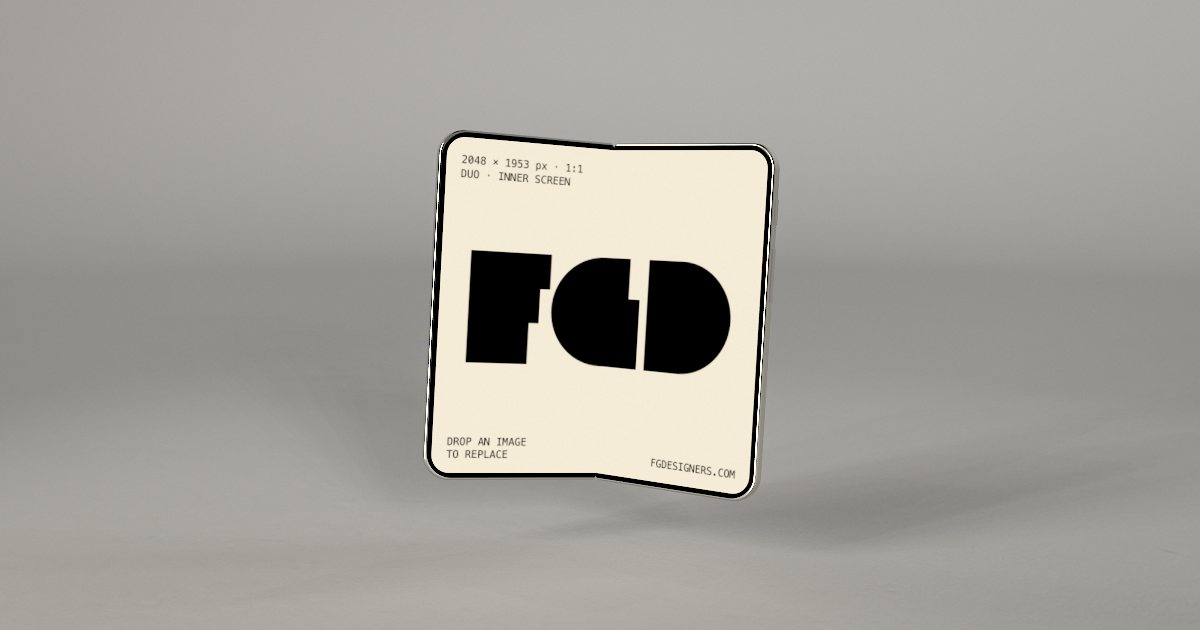
Foldable iPhone mockup, soft studio scene
A book-style foldable phone, open or half folded, for tablet-size layouts and apps that use both screens.
Open this mockup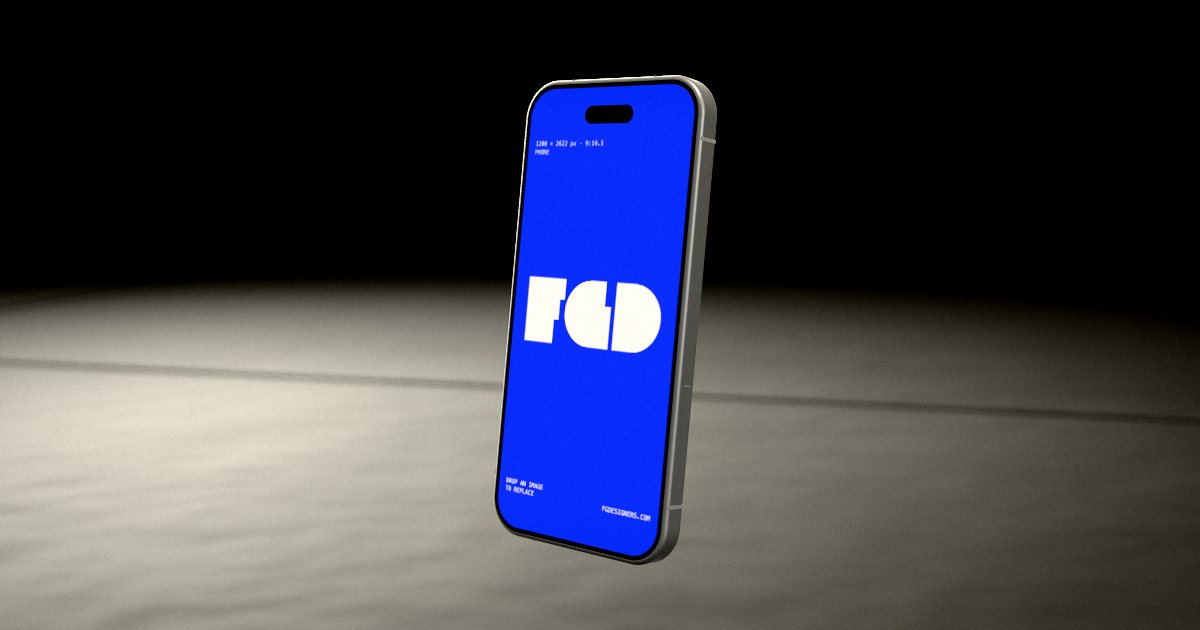
IPhone mockup, black scene
The phone on a dark floor, lit like a product launch, for dark-mode apps.
Open this mockup
How it works
- Open a mockup and drop in your image (PNG, JPG or WebP).
- Drag to turn it, pick a scene, change the light.
- Press Animate for a moving version.
- Export a free 1080 px image, or a 4K image or MP4 video for $3.
Questions
- Which size should my app screenshot be?
- The editor shows the best fit under the upload button; for the phone screen it is 1200 × 2622 px. Any PNG, JPG or WebP works.
- Can I make an app preview video?
- Yes. Pick a motion, preview it live and export an MP4 video for $3, without watermark.
More: Website mockups · Logo mockups · Animated mockups · Font & typography mockups · Free alternative · All mockups