Website mockup generator
Screenshot your site, drop it in, and present it on a thin aluminium laptop or a phone, in a real scene.
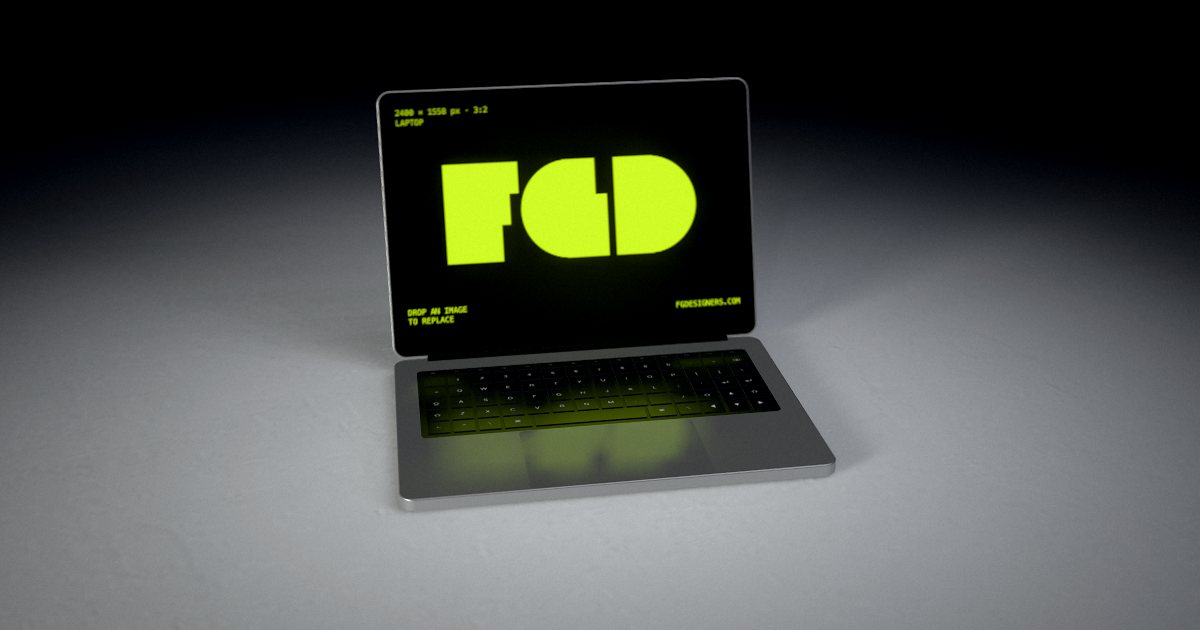
Laptop mockup, gradient scene
A thin aluminium MacBook-style laptop on a colour gradient: the portfolio classic.
Open this mockup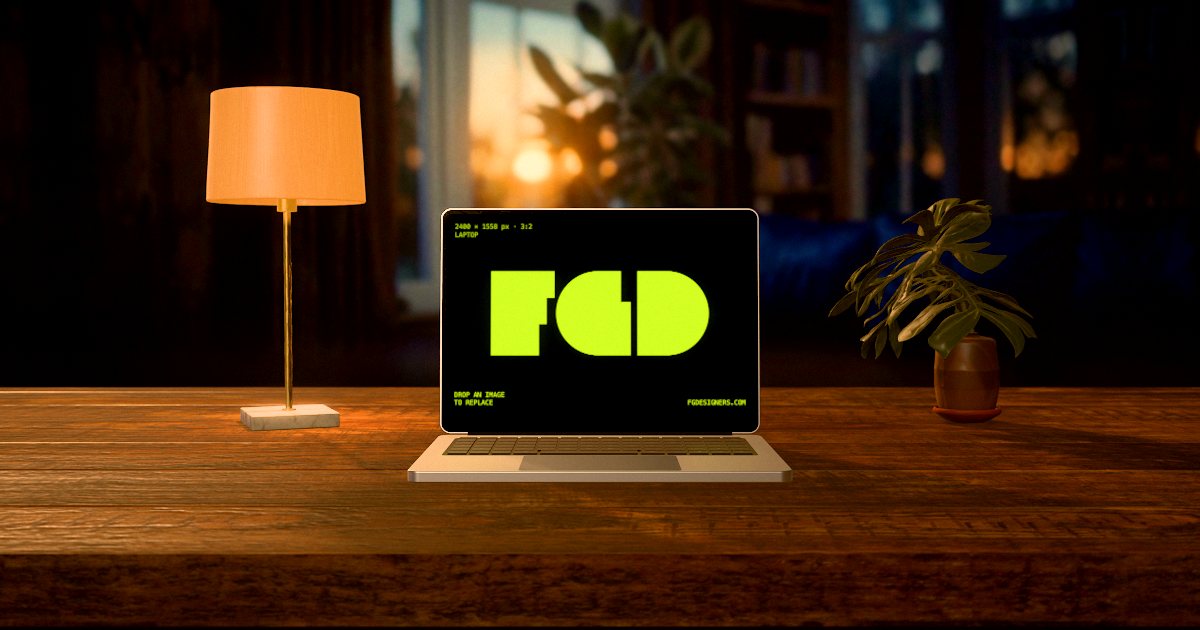
Laptop mockup, desk scene
The laptop on a wooden desk with a lamp and a plant, for a real-life setting.
Open this mockup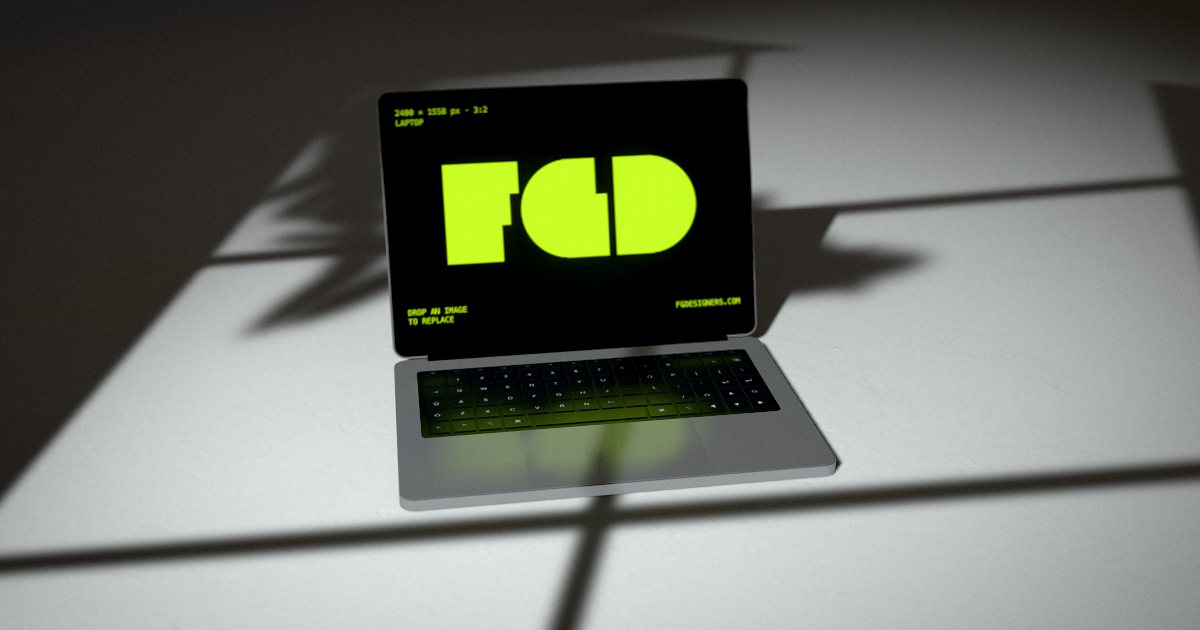
Laptop mockup, window scene
Window light and soft shadows, calm and editorial.
Open this mockup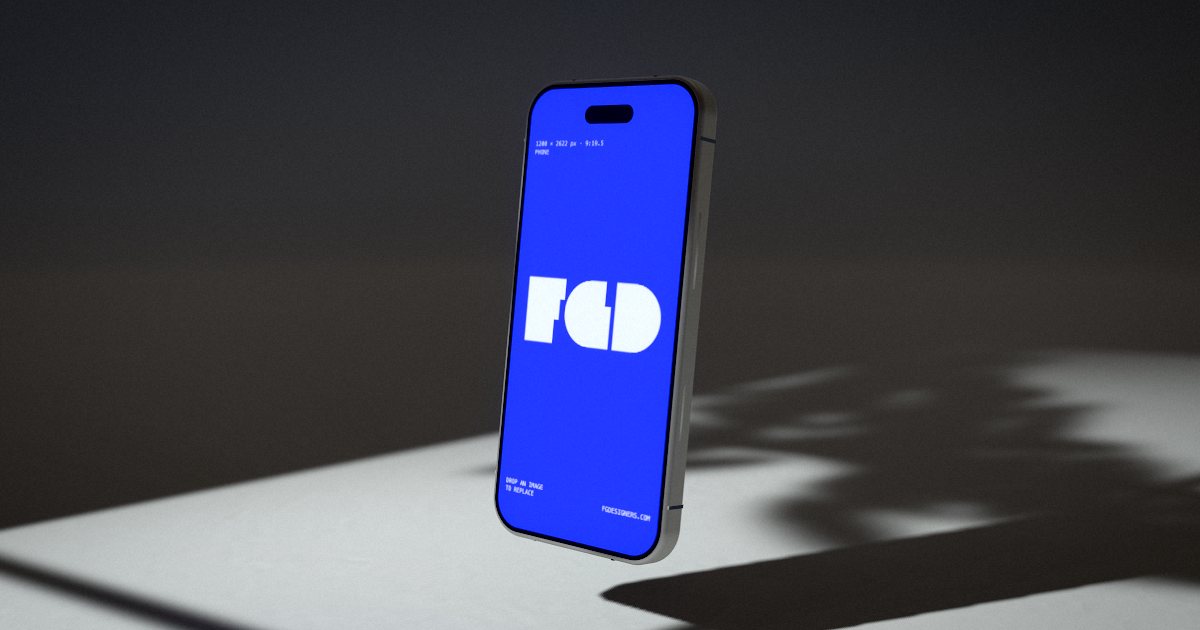
IPhone mockup, window scene
The mobile version of the same site on a phone, in the same light.
Open this mockup
How it works
- Open a mockup and drop in your image (PNG, JPG or WebP).
- Drag to turn it, pick a scene, change the light.
- Press Animate for a moving version.
- Export a free 1080 px image, or a 4K image or MP4 video for $3.
Questions
- Can I open and close the laptop lid?
- Yes. The lid is adjustable, and the lid opening is one of the motions you can export as video.
- Is it good for Behance or Dribbble?
- Yes. Export a 4K image for the cover and an MP4 video for the project, both without watermark, for $3 each.
More: App mockups · Logo mockups · Animated mockups · Font & typography mockups · Free alternative · All mockups