Book cover mockup generator
Drop in the front cover and the book is there: standing, lying on a desk or floating, with a spine that matches. Add the back cover and the spine when you have them.
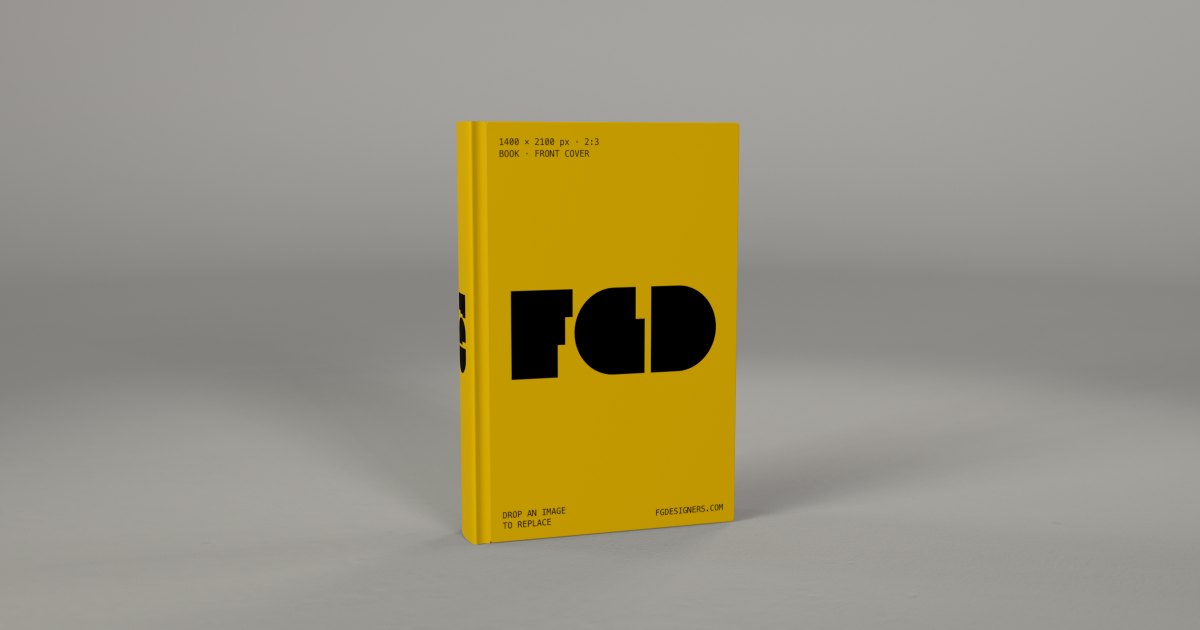
Book mockup, soft studio scene
A hardcover standing in a soft white studio: front cover and spine, the classic book shot.
Open this mockup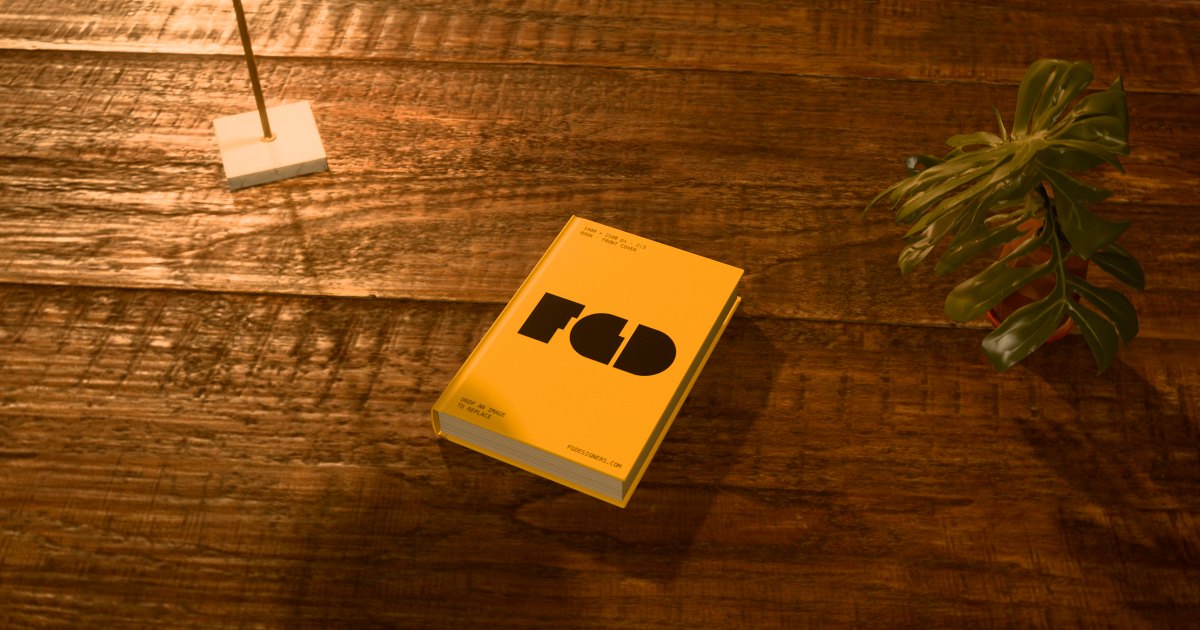
Book mockup, desk scene
The book lying on a wooden desk in warm evening light, pages showing.
Open this mockup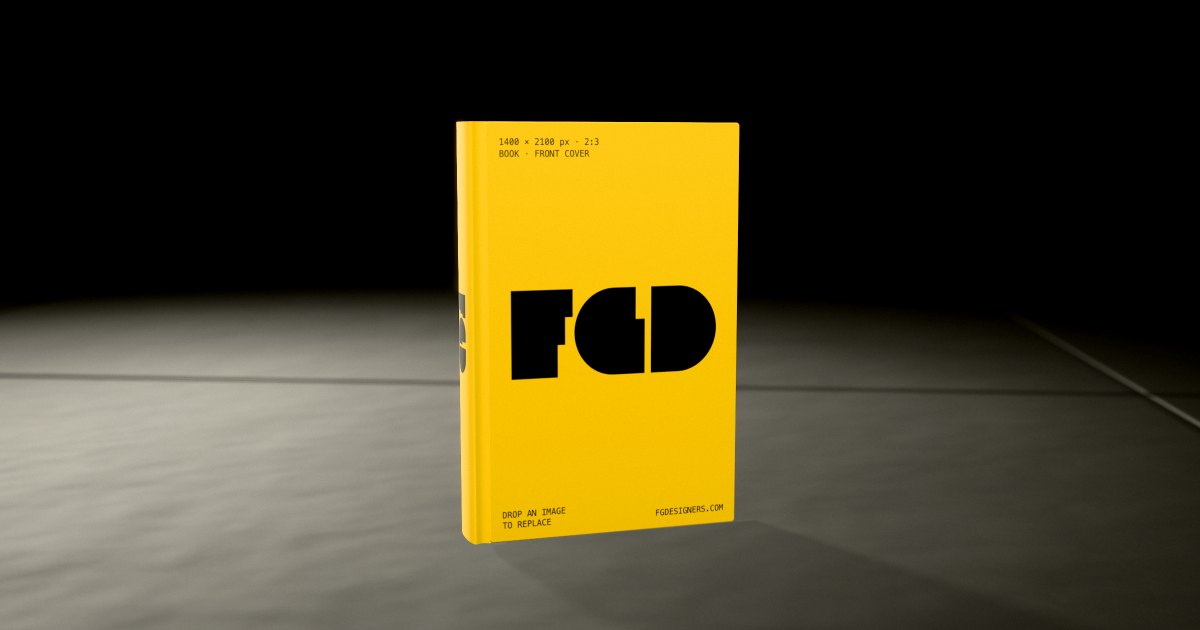
Book mockup, black scene
The book on a dark floor, lit like a launch, for covers that should glow.
Open this mockup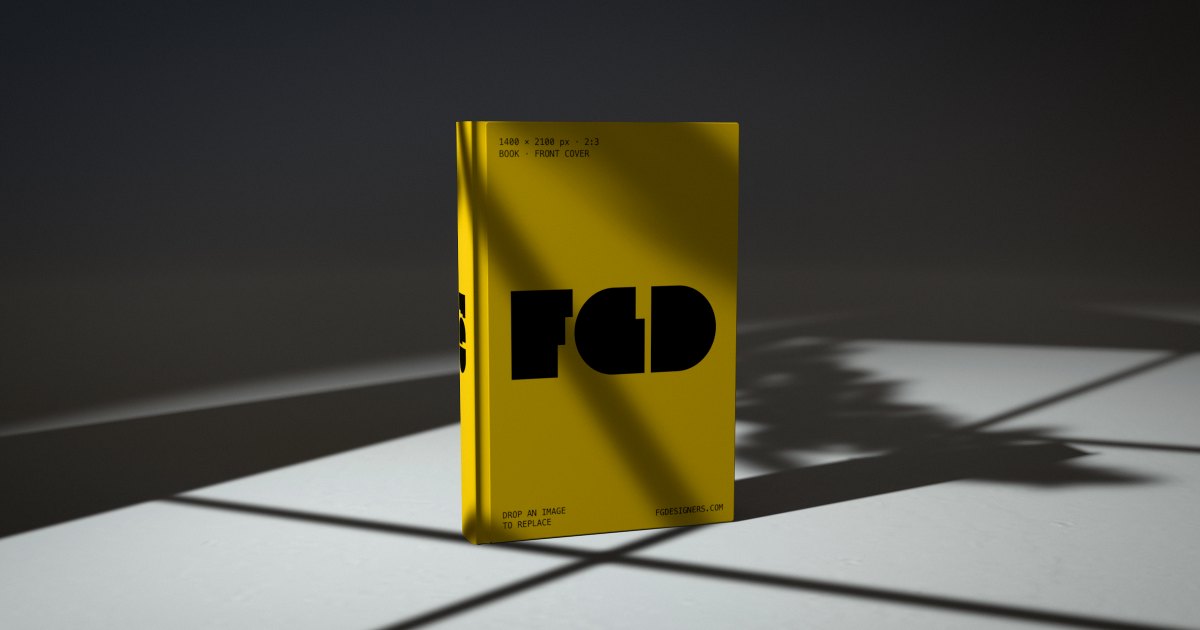
Book mockup, window scene
Window light and soft shadows, calm and editorial.
Open this mockup
How it works
- Open a mockup and drop in your image (PNG, JPG or WebP).
- Drag to turn it, pick a scene, change the light.
- Press Animate for a moving version.
- Export a free 1080 px image, or a 4K image or MP4 video for $3.
Questions
- Which size should my book cover be?
- The editor shows the best fit under the upload button; for the standard format it is 1400 × 2100 px (2:3). There are also a larger format and a square one, and any PNG, JPG or WebP works.
- What about the spine and the back cover?
- Each has its own upload. Without a spine image, the spine takes the colour of the front cover's edge, so the book looks finished from the first upload. You can also set the thickness of the book.
- Hardcover or paperback?
- Both, with a matte or a gloss finish. The hardcover has boards, a rounded spine and the groove of the hinge; the paperback is flush with its pages.
- Can I make a video of the book?
- Yes. Pick an animation, such as the book turning from its spine to its cover, preview it free and export an MP4 video for $3.
More: App mockups · Website mockups · Logo mockups · Animated mockups · Font & typography mockups · Free alternative · All mockups